
Analytics
Google Tag Manager
 Google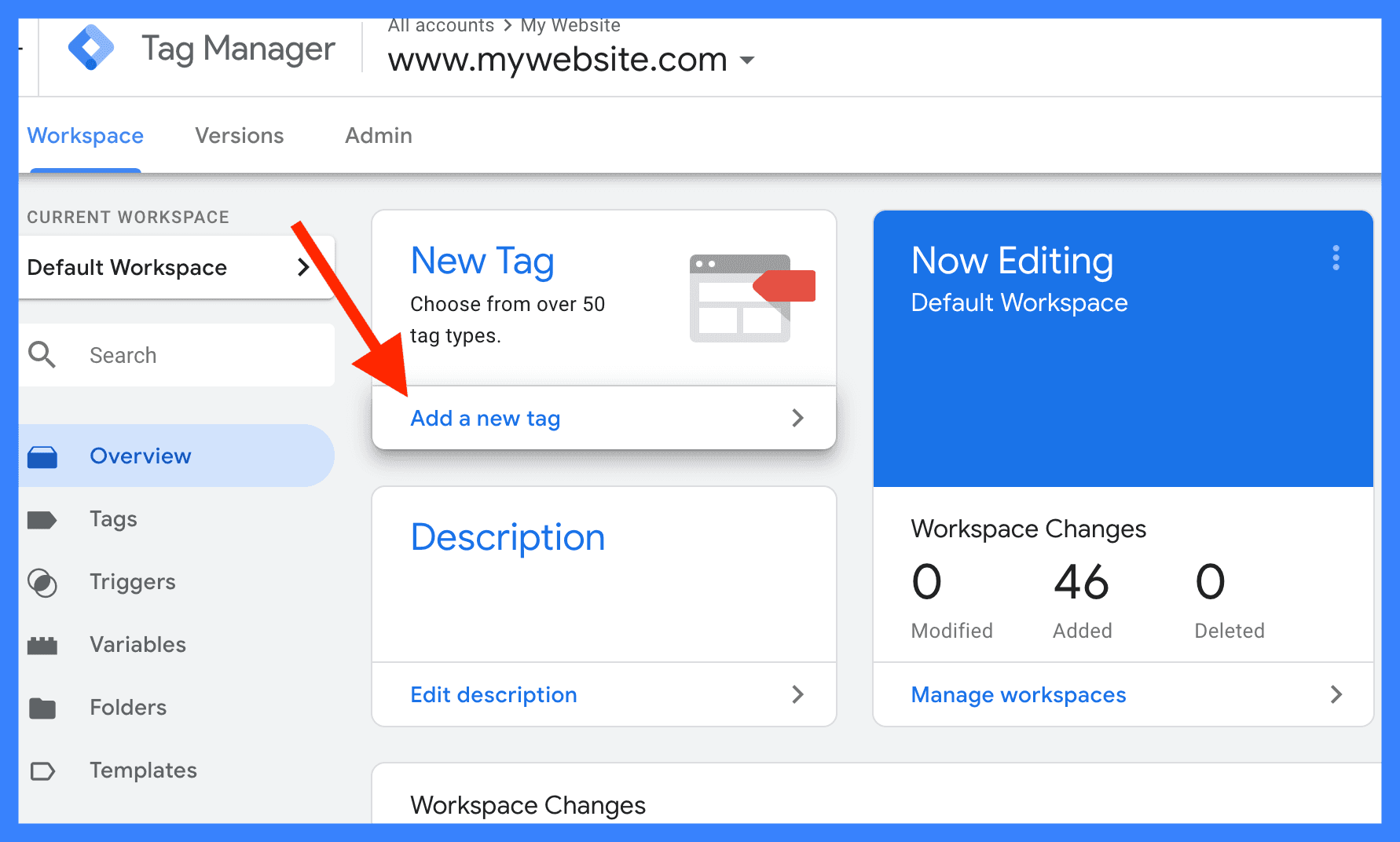

Manage all your tags
Google Tag Manager (GTM) is a free, powerful tag management system that allows you to deploy, manage, and update tracking elements (tags) on your website or mobile app without directly modifying the underlying source code. By installing a single master code snippet once, marketers and analysts can control marketing tools, analytics frameworks, and conversion pixels entirely through a web-based dashboard.
Core Elements of GTM
To understand how GTM operates, it is helpful to look at its three structural pillars:
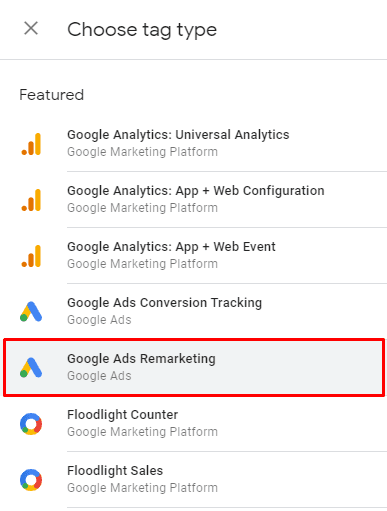
Tags: Small snippets of tracking code or pixels executed on a page. Examples include Google Analytics 4 tracking, Google Ads conversion tags, and Facebook/Meta pixels.
Triggers: The rules that dictate exactly when and where a tag should execute. Triggers monitor your website for specific events like page views, button clicks, form submissions, or video plays.
Variables: Placeholders for dynamic values used by tags and triggers. They capture extra data points, such as a specific transaction amount, a clicked URL, or your unique Google Analytics Property ID.
Key Benefits & Features
Using GTM bridges the gap between marketing initiatives and developer cycles by optimizing how tracking is handled:
Reduced Developer Reliance: Marketing teams can launch campaigns and integrate new tracking tools independently on the fly.
Centralised Debugging: Features a comprehensive Preview Mode that lets you test and verify your triggers safely in an isolated environment before publishing them live.
Version Control: Automatically logs a robust history every time changes are published, making it effortless to roll back to a prior, stable version if an error occurs.
Multi-User Collaboration: Multi-workspace support allows different team members to build and edit tags simultaneously without overwriting active projects.
Visual Tagging & Performance Upgrades: The latest updates streamline data collection by allowing point-and-click visual element tagging and removing intermediary loading scripts to heavily improve page performance.
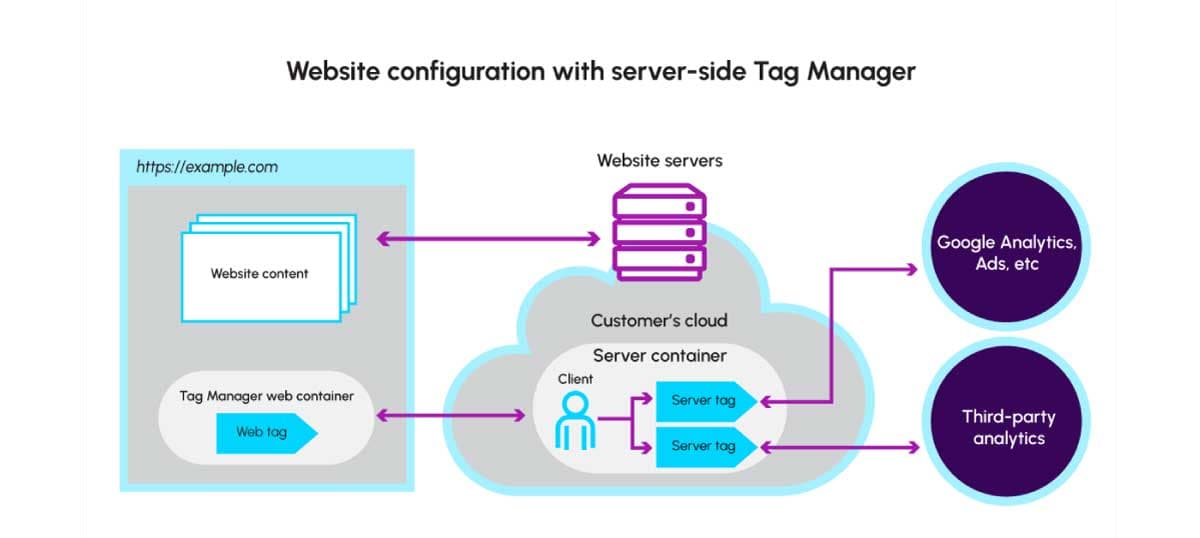
Server-Side Tagging: Offers the option to move heavy tag execution code off your visitor's browser and into a secure cloud environment, boosting both website speed and user privacy.
How to Get Started
Setting up GTM requires a straightforward, sequential flow:
Create an Account: Visit the Google Tag Manager Dashboard to establish your account and configure a "Container" specific to your web domain or mobile application.
Install the Snippets: Copy the two container code snippets provided by GTM. Paste the first script high into the
<head>section of your website pages and the second immediately following the opening<body>tag.Configure Tags: Within the dashboard, select New Tag, define your parameters (such as link tracking or analytics destinations), assign an firing trigger, and hit Submit to push your changes live.