
Analytics
Microsoft Clarity
 Microsoft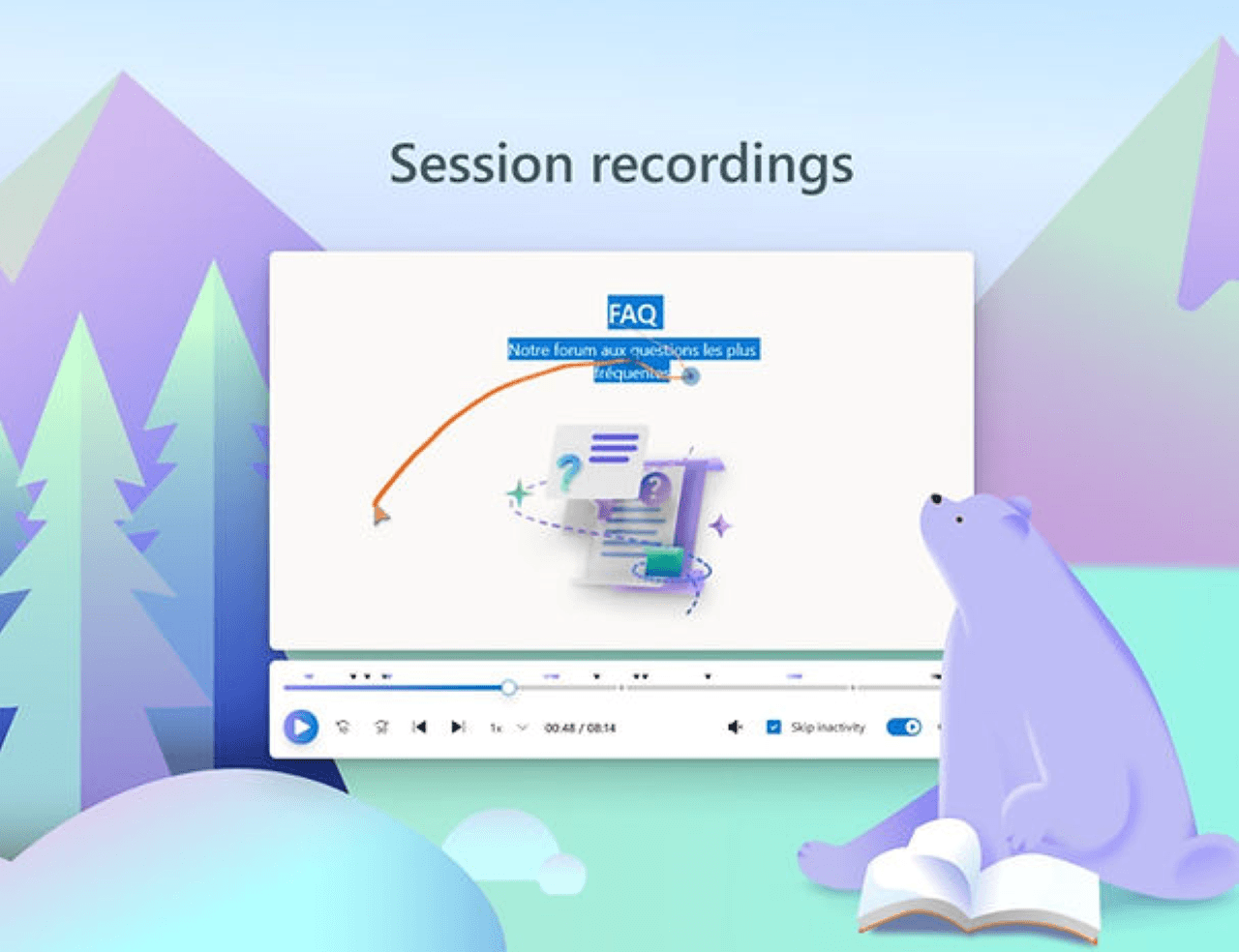
Free heatmaps and session recordings
Microsoft Clarity is a completely free behavioral analytics tool that helps website and mobile app owners understand how users interact with their digital platforms. Unlike standard analytics that rely heavily on numbers and charts, Clarity provides visual tools—such as session replays and heatmaps—to pinpoint where users get stuck, click, or lose interest.
Crucially, it is 100% free with no traffic limits, no data sampling, and no hidden upgrade fees, making it highly scalable for websites of any size.
Core Features
Session Recordings: Watch anonymous recordings of real users navigating your site. You can track mouse movements, clicks, taps, scrolling, and layout frustrations across desktop and mobile devices.
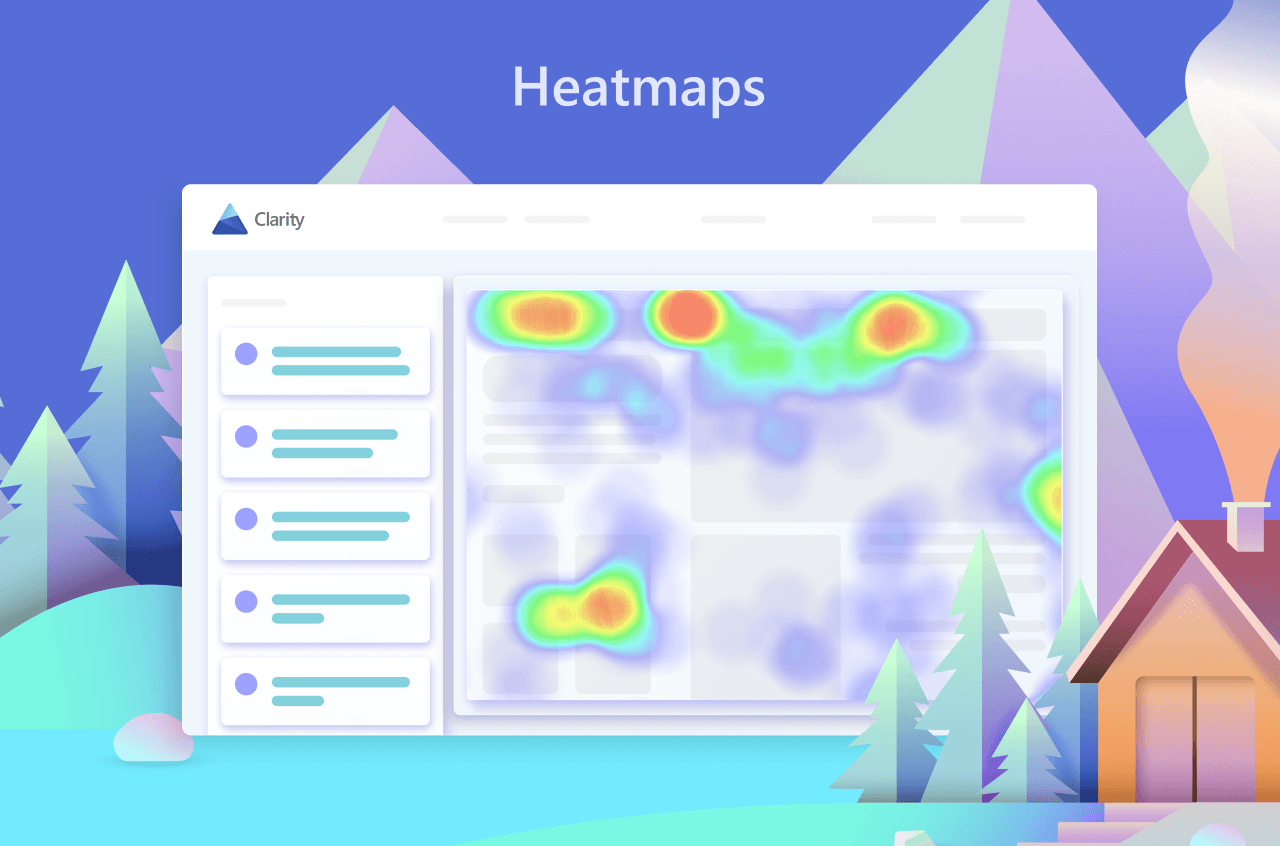
Dynamic Heatmaps: Get a visual map of where users click, scroll, and drop off. It highlights high-engagement zones as well as cold spots.
Clarity Copilot (AI-Powered): Leverage integrated generative AI to receive instant, data-backed summaries of session recordings, chatbot answers about user behavior, and quick trend insights.
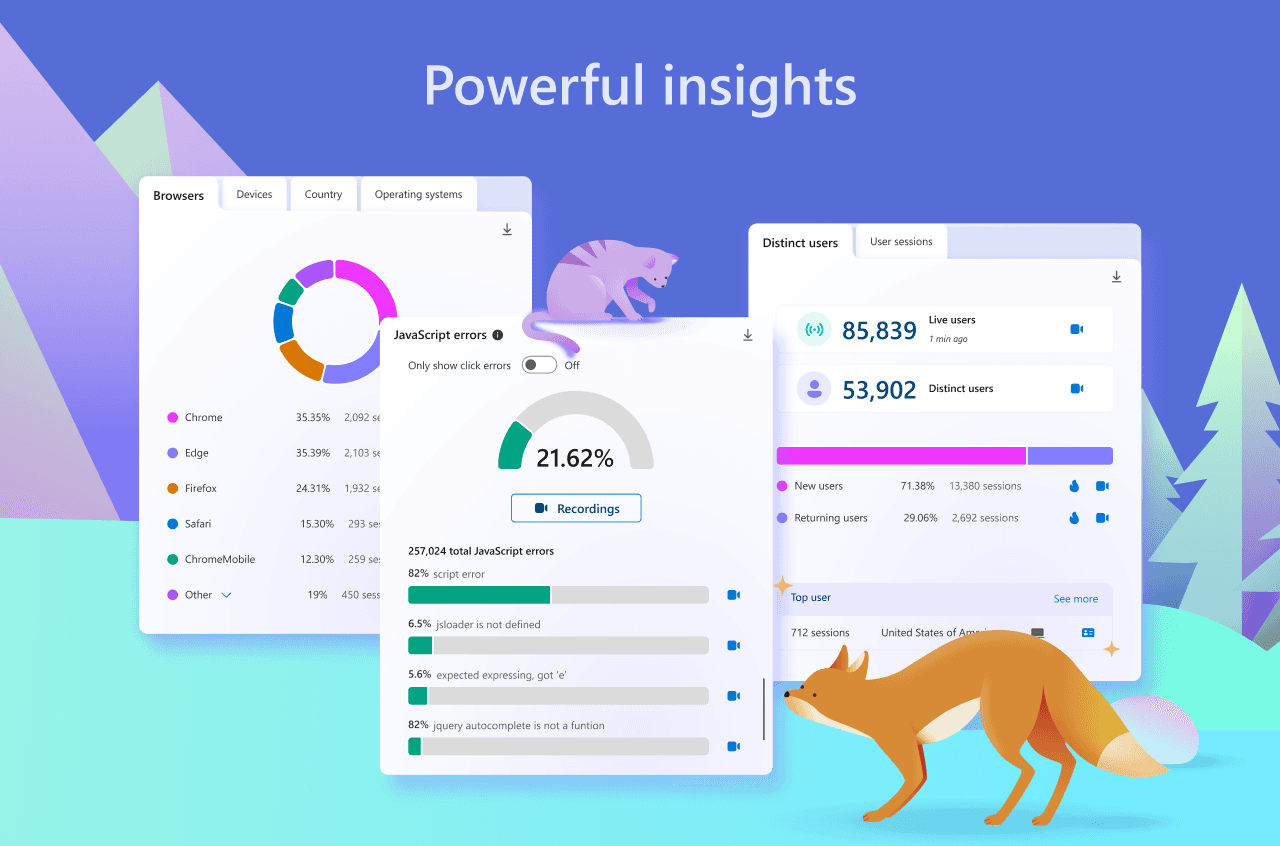
Frustration Metrics: Automatically flag problematic user behaviors such as "Rage Clicks" (clicking an element repeatedly), "Dead Clicks" (clicking non-interactive elements), and excessive scrolling.
Who Uses It?
Marketers & E-commerce Teams: To reduce checkout friction, improve landing pages, and find out where users abandon their shopping carts.
UX/UI Designers: To fix confusing layouts, minimize mobile friction, and test content layout changes.
SEO Specialists: To monitor user behavior after they click through from search engines to see why visitors bounce.
Developers: To uncover bugs, responsive design flaws, and broken interactions across different browser types.
How It Works & Installation
Clarity collects behavioral data using a lightweight, open-source JavaScript tracking script that does not impact your site's performance.
You can set it up via several easy methods on the Microsoft Clarity Dashboard:
Direct Integration: Simple one-click setup plugins for platforms like the Microsoft Clarity WordPress Plugin or Shopify.
Google Tag Manager (GTM): Connect Clarity directly to your GTM container to automatically deploy the tracking tag across all pages.
Manual Code: Paste the unique tracking snippet into the
<head>tag of your website HTML manually.
Privacy & Compliance
Clarity is fully GDPR-compliant as a data controller. By default, it masks all sensitive content and personal user information (like form fields) before it ever leaves the browser, keeping your users' data private and secure. It utilizes first-party cookies, meaning its tracking features will not be broken by the deprecation of third-party cookies.