
Compliance
QookieQloud Cookie Consent
 Qodli AB
GDPR cookie banner with Google Consent Mode v2
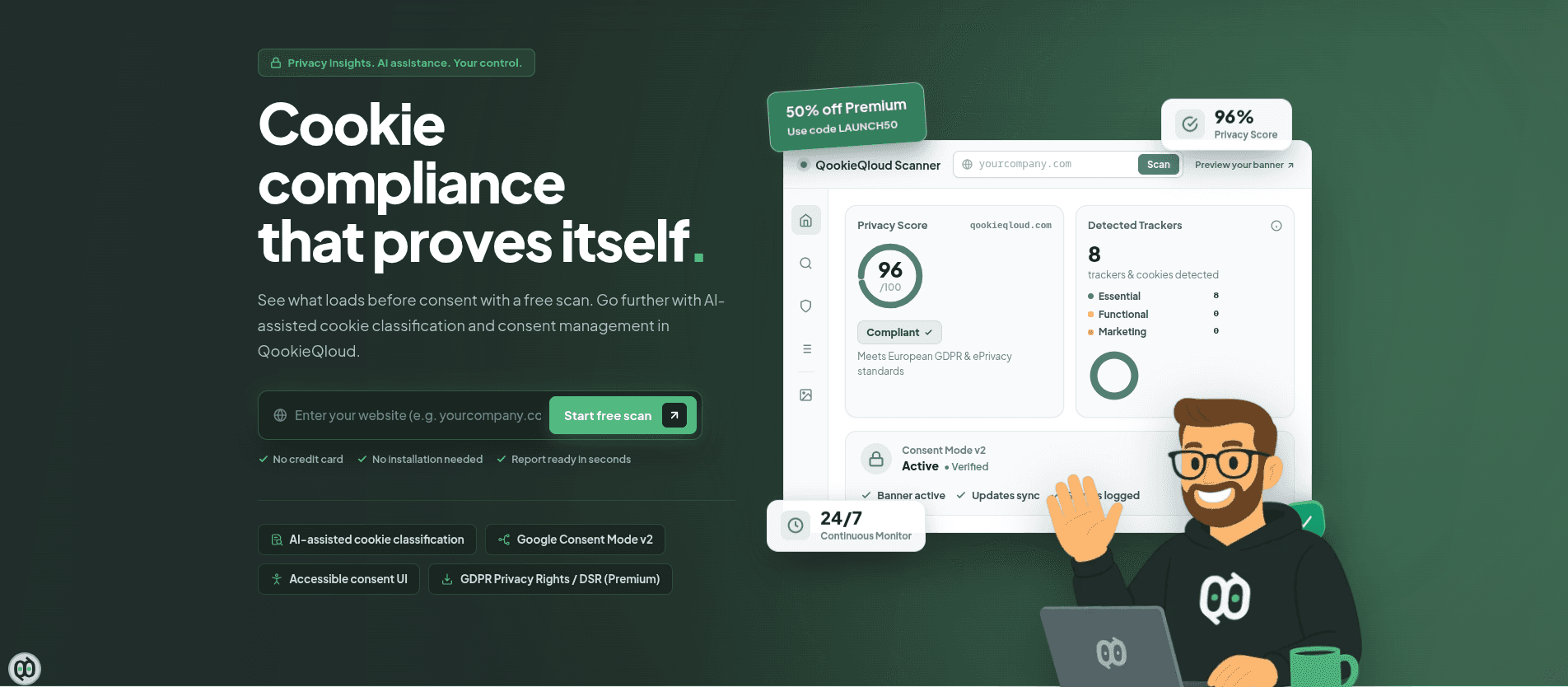
QookieQloud is a cookie consent platform from Qodli AB in Sweden. It shows a GDPR-ready cookie banner on your published site, records each visitor's choice, and passes that choice on to Google through Consent Mode v2.
Core Features
Consent banner: Visitors accept all, decline all, or choose per category: necessary, functional, statistics and marketing. Layout, colours and languages are set in QookieQloud.
Cookie scanner: Finds the cookies and trackers your site loads and sorts them into categories, with AI help.
Google Consent Mode v2: Google Analytics 4 and Google Tag Manager start with consent denied and update the moment a visitor chooses.
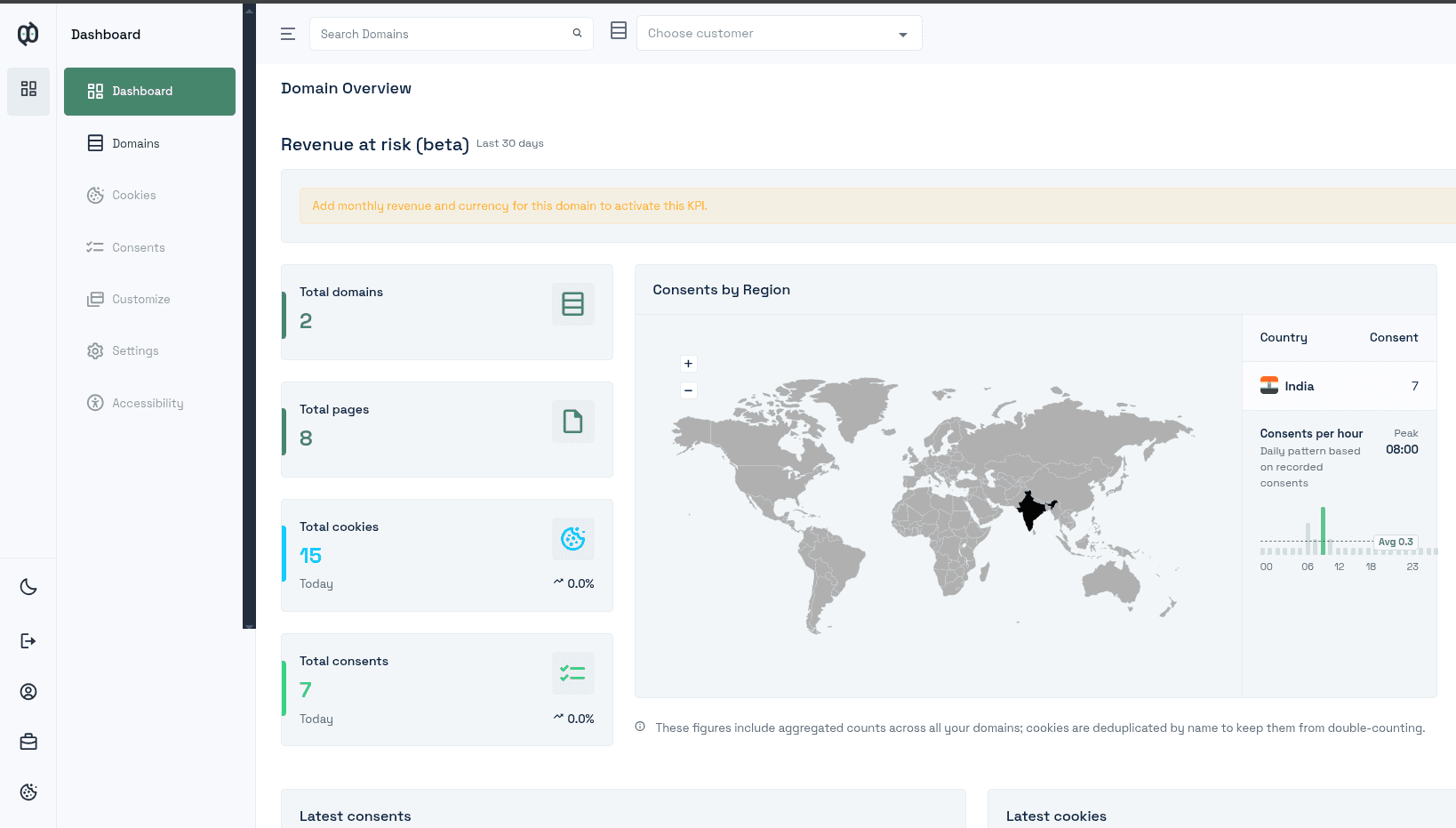
Consent records: Every choice is logged with a timestamp in your QookieQloud account, ready to export.
Setup
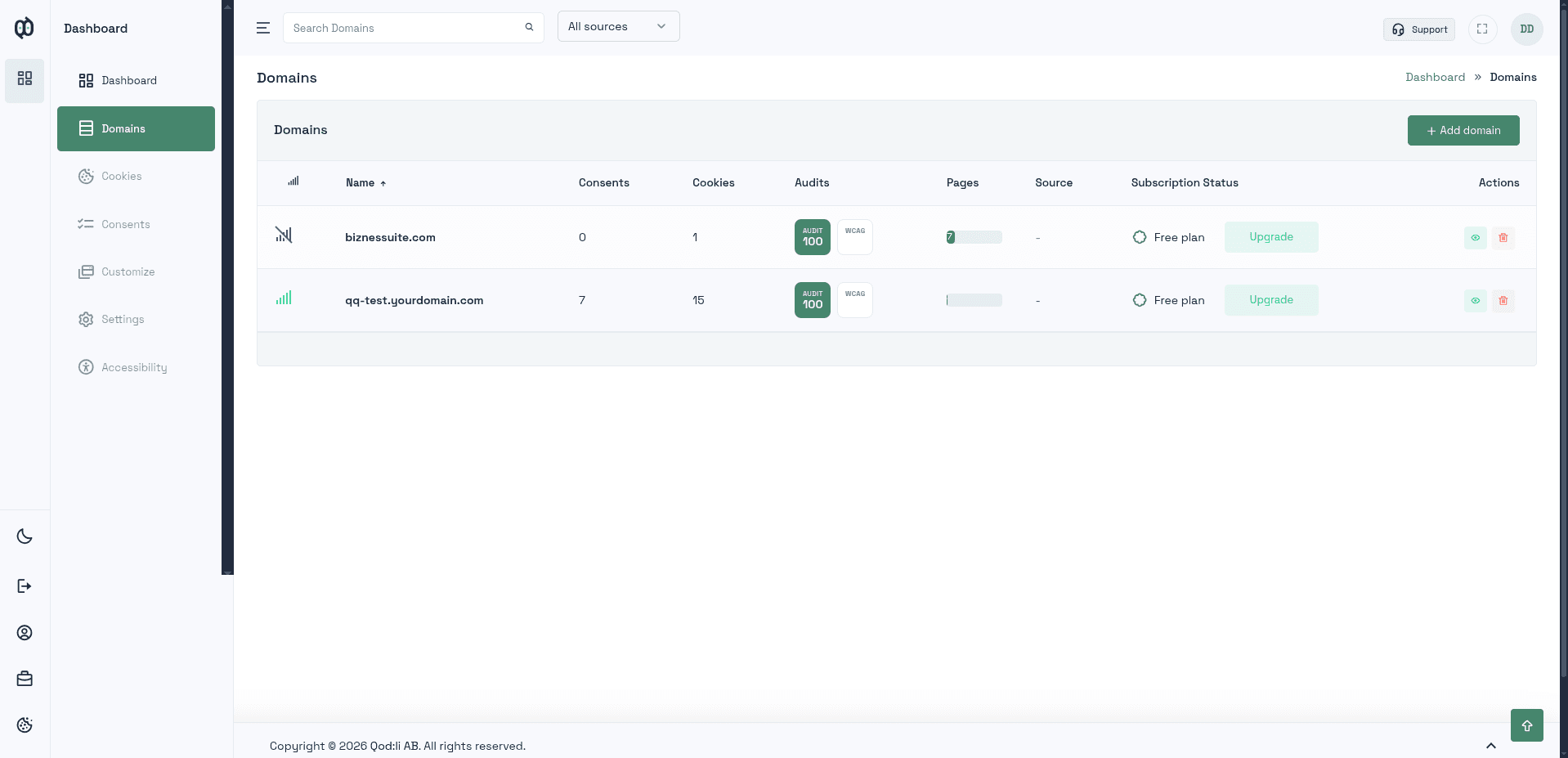
Create a QookieQloud account and add your site's live domain. The app's settings on your site show which domain that is.
In QookieQloud, open Settings → Connection and generate a Site Key.
Paste the key (it starts with qq_pk_) into this app's settings on your site and save.
Good to Know
One banner: Once the Site Key is saved, QookieQloud's banner replaces your site's built-in Visitor consent bar. Google Analytics 4, Google Tag Manager, Meta Pixel, Microsoft Clarity, Hotjar, PostHog, Zendesk chat and custom scripts all wait for the visitor's choice in it: Statistics for analytics apps, Marketing for marketing apps, Functional for chat.
Domains: A Site Key only works on the domain registered in QookieQloud. If you connect a new custom domain later, add it in QookieQloud too, or the banner won't show there.