Automation
Slack
 Slack
Slack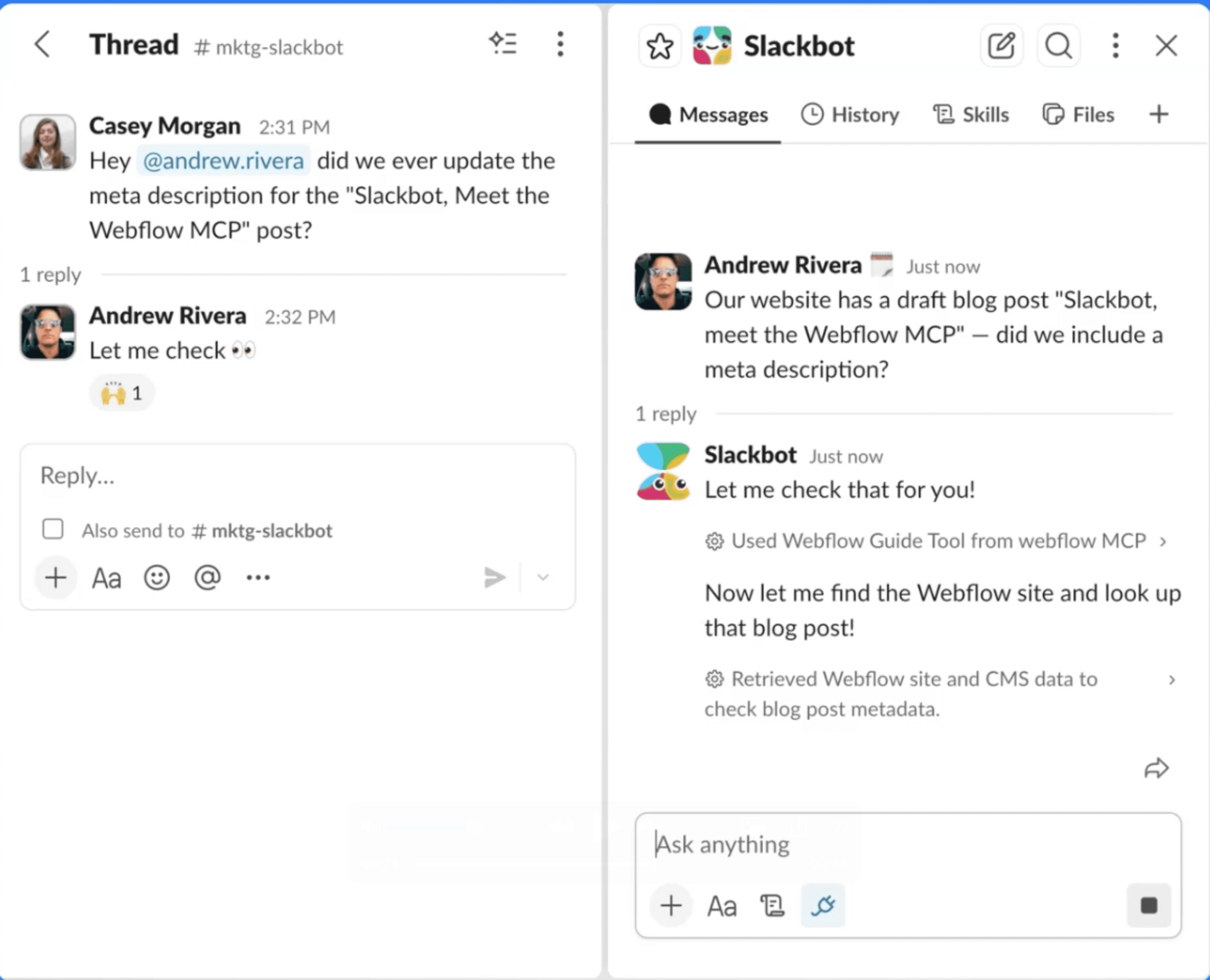
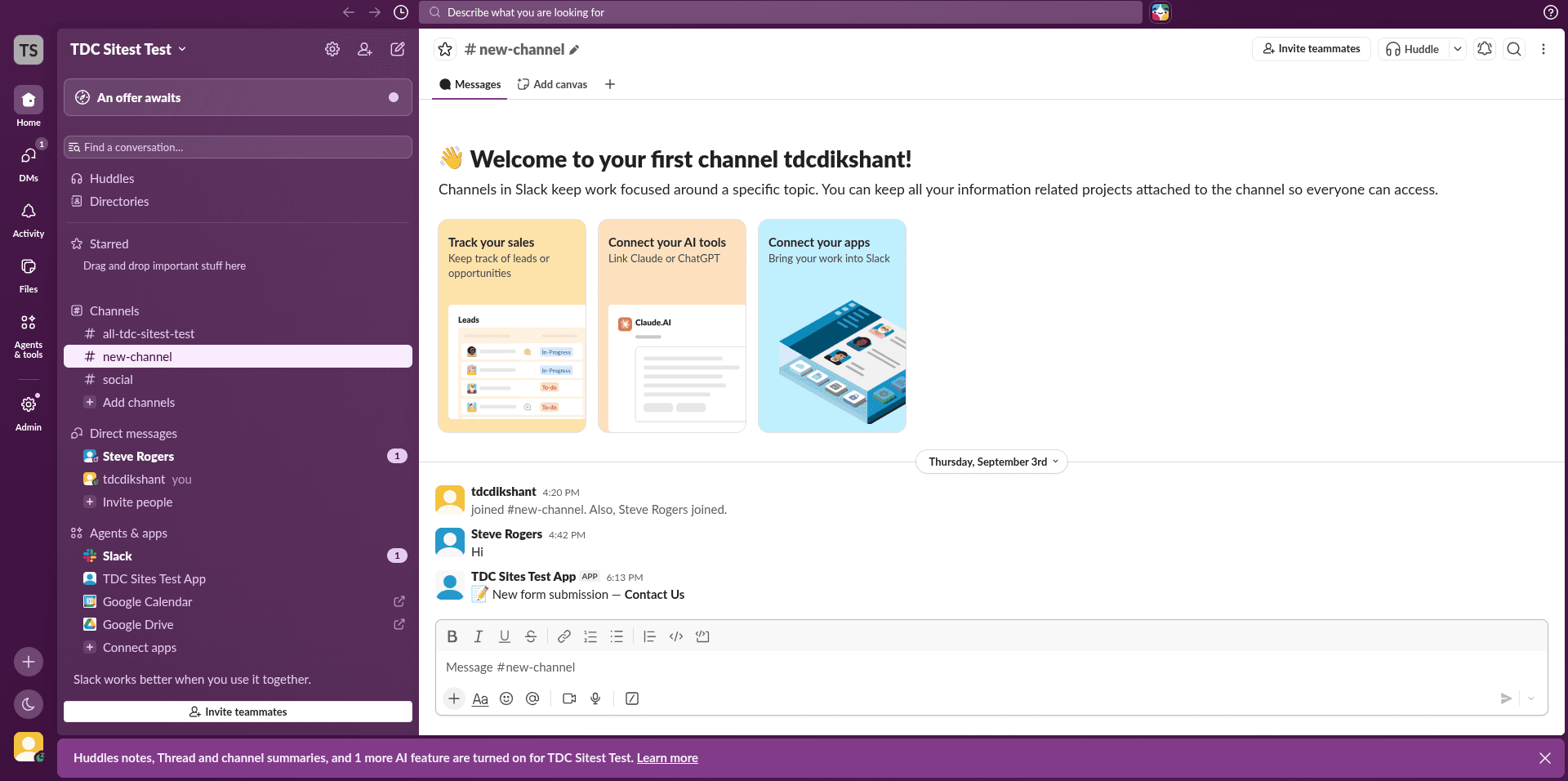
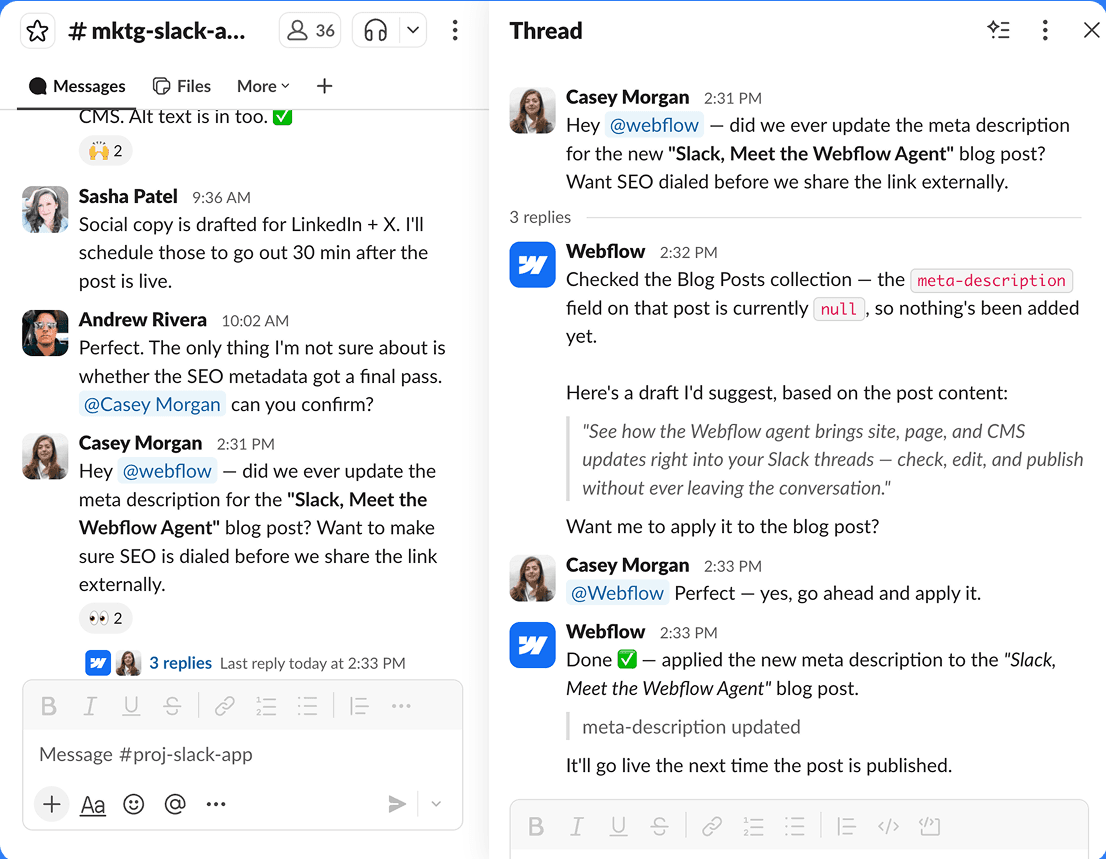
Get notified in Slack about form submissions, published content, and more
Slack is an AI-powered, cloud-based team communication platform designed to streamline workplace collaboration into a single. Owned by Salesforce, it replaces fragmented internal emails by organizing business administration, chat, and workflows into centralized digital spaces.
Core Features
Channels & DMs: Conversations are organized into public or private channels dedicated to specific projects, teams, or topics, alongside standard direct messaging.
Slack AI: Offers automatic channel recaps, thread summaries, and huddle notes to help users instantly catch up on missed discussions.
App Ecosystem: Integrates seamlessly with over 2,600 tools in the Slack Marketplace, allowing teams to connect platforms like Google Drive, Anthropic's Claude, and CRM software. Notably, the recent Adobe for Slack integration brings over 70 creative applications directly into the app chat.
Workflow Builder: A no-code automation feature that allows anyone to design automated routines and tasks across third-party apps.
Huddles & Canvas: Built-in features for quick live audio/video syncs and collaborative document spaces inside the workspace.
How to Use It
Create or Join a Workspace: Head to the Slack Sign-In Page to set up an organization or group workspace using an email address, Google account, or Apple ID.
Set up Infrastructure: Invite team members and segment workflows into custom channels.
Cross-Platform Accessibility: Slack works natively via web browsers and dedicated desktop apps, as well as mobile versions available on the Google Play Store for Android (requiring Android 11+) and Apple App Store for iOS.