Asset Management
SVG Import
 TDC Sites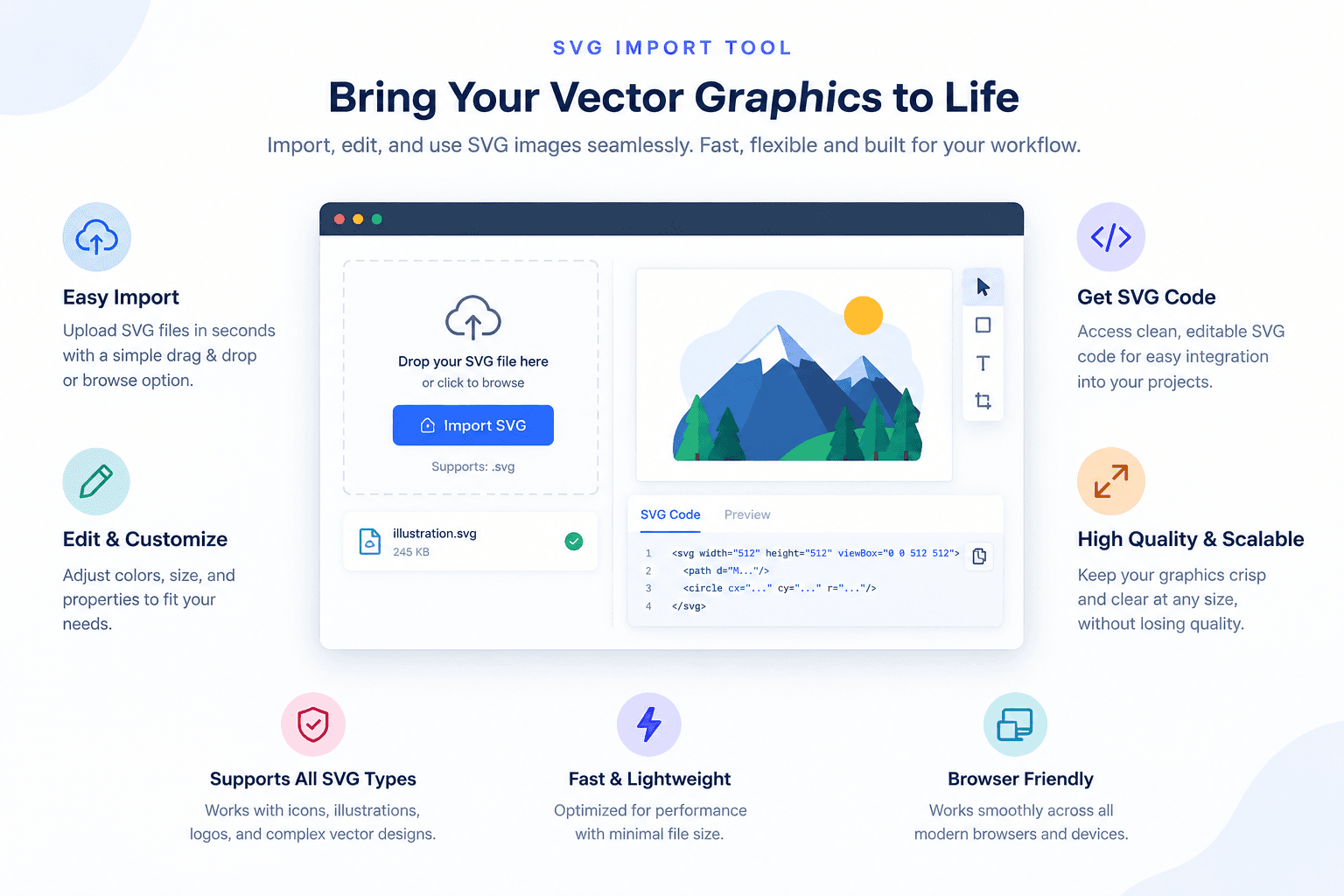
Import SVG logos and icons straight into your asset library
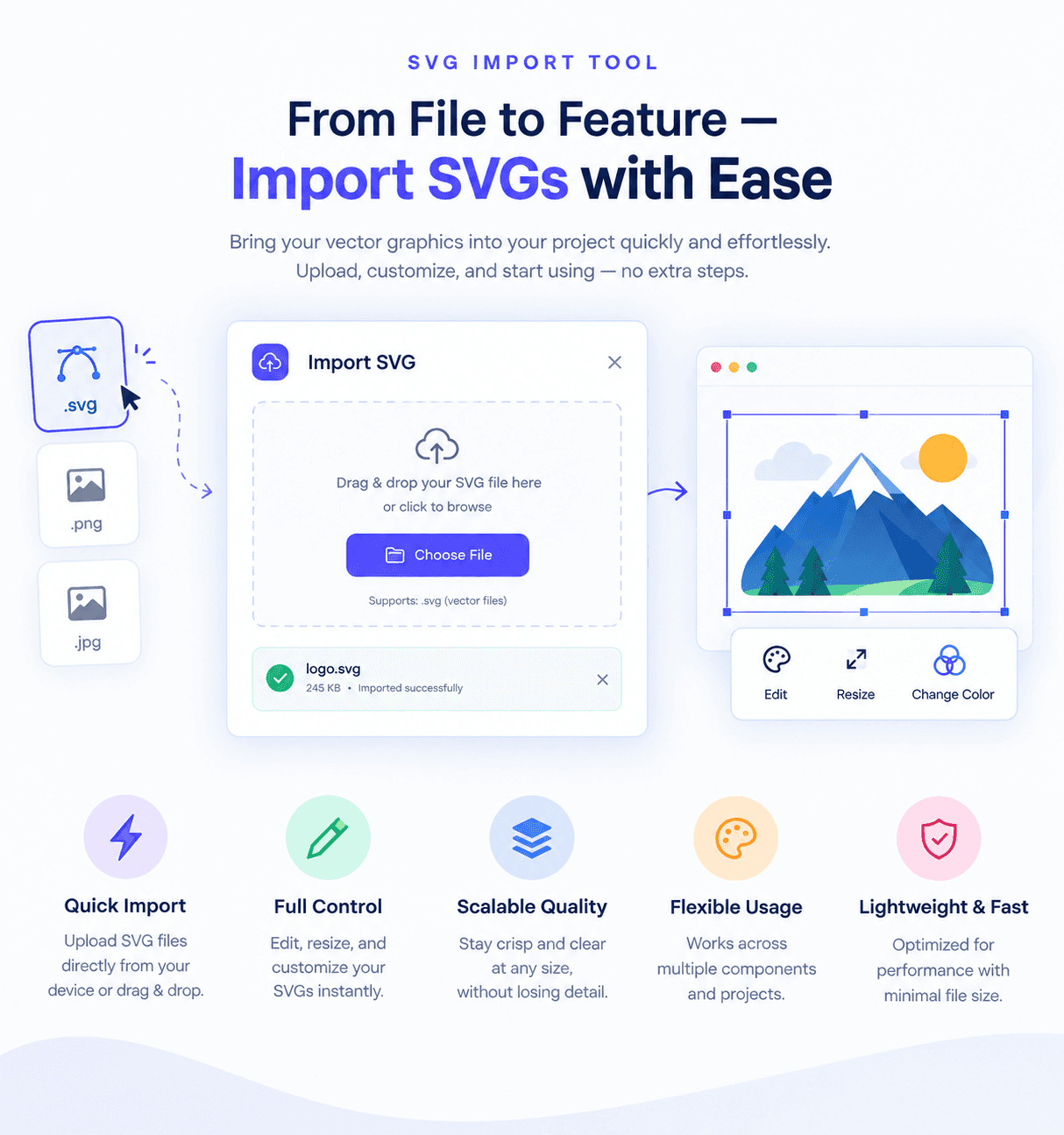
SVG Import adds an "Import SVG" action to the editor's asset library so you can bring vector logos, icons and illustrations onto a site without converting them to PNG first. Vectors stay sharp at any size and usually weigh far less than the bitmap equivalent.
Every file is sanitized
An SVG is executable markup, not just a picture, so each import is parsed and cleaned on the server before it is stored. Scripts, event handlers, embedded HTML and references out to other servers are stripped, and a file that turns out not to be a real SVG is rejected with a clear message. What lands in your library is safe to serve on a published site.
How to use it
Install SVG Import on the site you want it on.
Open that site in the editor and go to the Assets panel.
Choose "Import SVG", pick your .svg file, and it uploads into the asset library.
Drop it onto a page with an Image block, then publish as usual.