
Automation
Zapier
 Zapier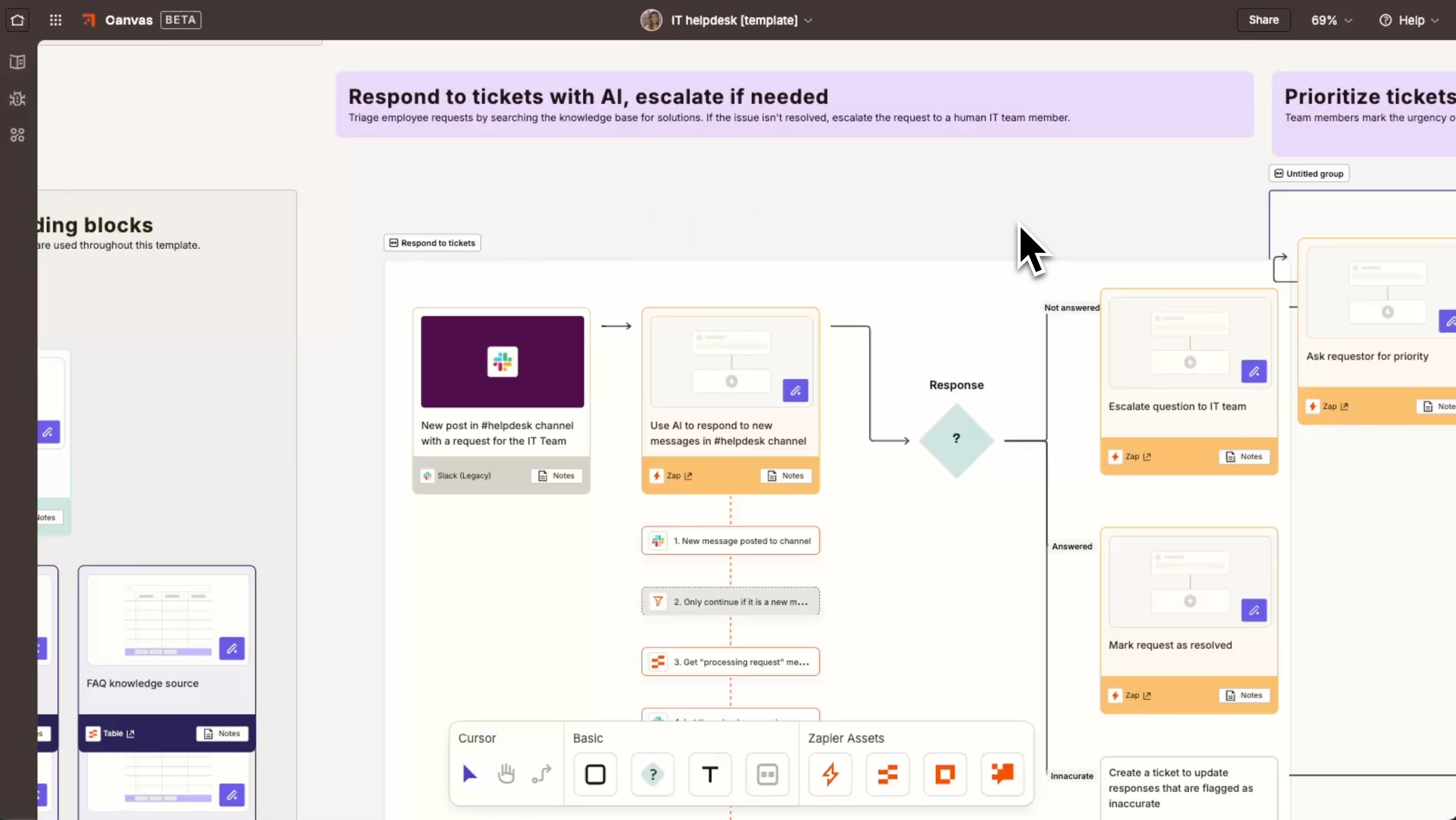

Connect your site to 6,000+ apps using your existing webhooks
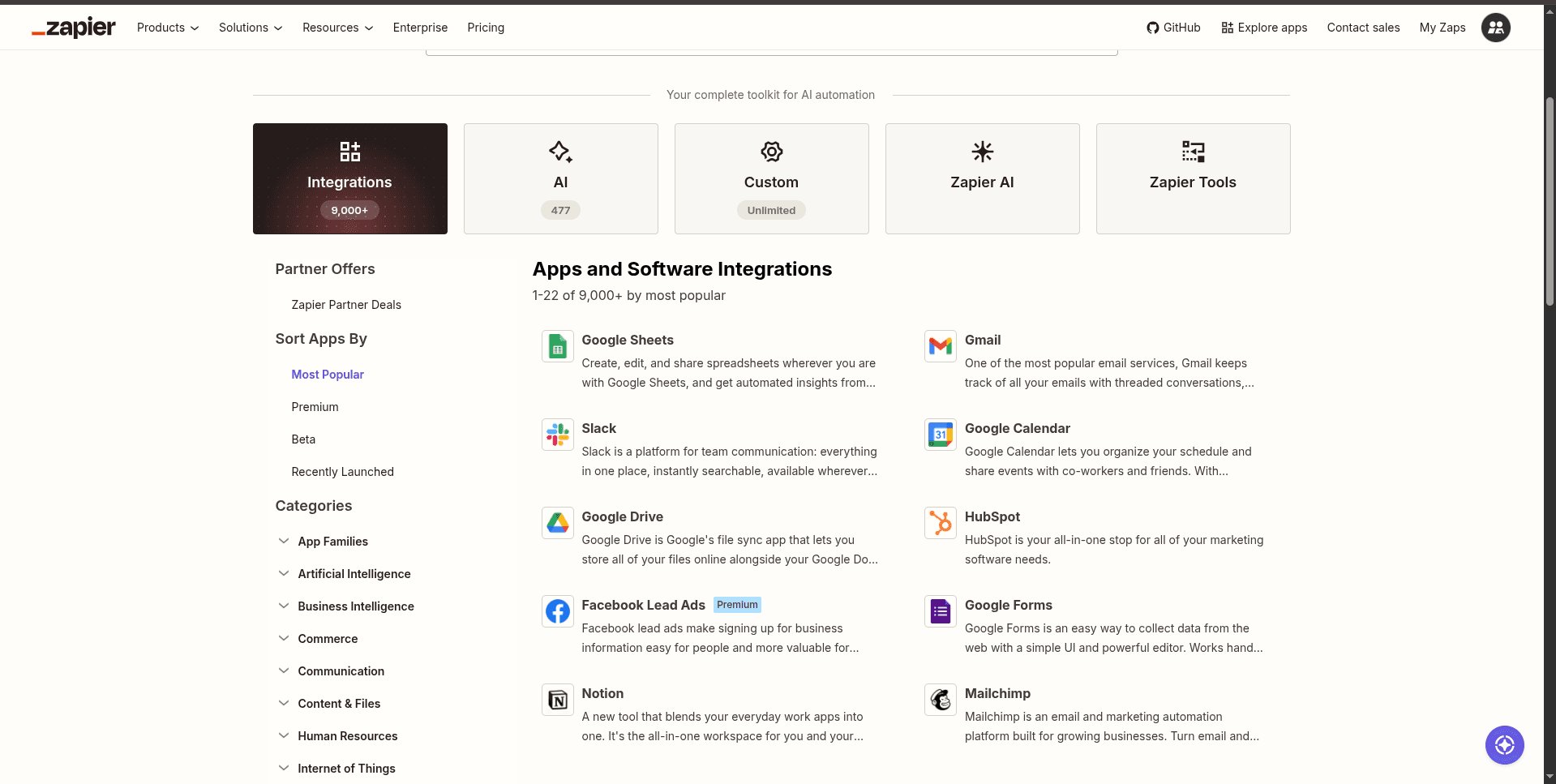
Zapier connects TDC Sites to thousands of other apps — Slack, Google Sheets, HubSpot, Notion, and more — without writing code. This isn't an app you install: it's a guide to wiring up TDC Sites' built-in webhooks to Zapier's free "Webhooks by Zapier" trigger, using tools already in your dashboard.
How it works
A Zap is a trigger plus one or more actions. TDC Sites fires a signed outbound webhook whenever something happens on your site — a form is submitted, a blog post is published, and more. Point that webhook at a Zapier Catch Hook trigger, and any of those events can kick off a Zap. No separate Zapier app to connect — just your API key and the webhook subscriptions you already have access to.
Set it up
Open API & Webhooks in your dashboard and copy your API key.
In Zapier, start a new Zap and choose Webhooks by Zapier → Catch Hook as the trigger. Copy the URL Zapier gives you.
Back in TDC Sites, click New webhook, paste that URL, and select the events you want to trigger from — e.g. Form submission created.
Send a test — submit a real form, or use the Send test button next to your webhook — and confirm Zapier receives the payload.
Add your action step in Zapier — a Slack message, a spreadsheet row, a CRM contact — map the fields you need, and turn the Zap on.
What you can trigger a Zap from
Form submission created / status changed
Site created / updated / published
Blog post created / updated / published
Collection item created / updated / deleted
Good to know
API & Webhooks is a Standard/Pro plan feature — it needs to be enabled on your workspace.
Your API key is tied to your whole account, not one site — scope each webhook to a single site if a Zap should only watch that one.
There's nothing to install or authorize here — this uses functionality already in your dashboard.